What does a photographer need from a website?
Three things: proof you are good, a clear price, and an easy way to book. Most clients decide on a phone, so the gallery has to load fast and the booking button has to be easy to find.
A one-page site covers this better than a big portfolio that nobody scrolls. Show your best 12 to 20 images, not 200.
Which blocks should photographers use?
A typical photography page uses these blocks:
- Images and galleries for your portfolio, grouped by type of shoot
- Services with prices for packages such as portraits, weddings or product shoots
- Appointment booking with payments so clients book and pay a deposit
- Testimonials from past clients
- Gift cards for sessions people give as presents
- Products and digital downloads for presets or prints
- FAQ for turnaround time, travel and what to wear
What does a sample photography page look like?
Start from the photographer template and follow this order:
- A full-width hero image and a short line on what you shoot and where.
- A gallery of your strongest work, split into two or three categories.
- Your packages with Services with prices.
- A booking section with Appointment booking with payments and a deposit.
- Three or four Testimonials and an FAQ.
- Gift cards, presets for sale, and a Contact card and vCard at the end.
Why take a deposit for shoots?
A deposit holds the date and makes no-shows rare. It also filters out people who are only browsing. You can set a deposit or full price per service.
With your own Stripe account the Me.Plus fee is 0%. If Me.Plus collects for you in USD, the fee is 5% per sale. See the booking page for how it works.
How do you hand out your card at a shoot or event?
Use a QR code or an NFC card. Download your QR code as SVG, PNG or PDF and print it on a card, a lens cloth or a sign at your booth. An NFC card lets guests tap their phone and save your contact from the vCard, which is handy at weddings and events where people ask who took the photos.
Link in bio, card or website: which do photographers need?
All three, and one Me.Plus page covers them. On Instagram it is your link in bio, at a wedding it is your business card, and for a new client it is your portfolio website.
- Lead with your strongest gallery, not your newest
- Show prices or a starting price so people self-select
- Keep the booking button in the first two screens
- Put your QR code on prints, packaging and your camera strap card
- Ask every happy client for a testimonial within a week of delivery
Templates to start from

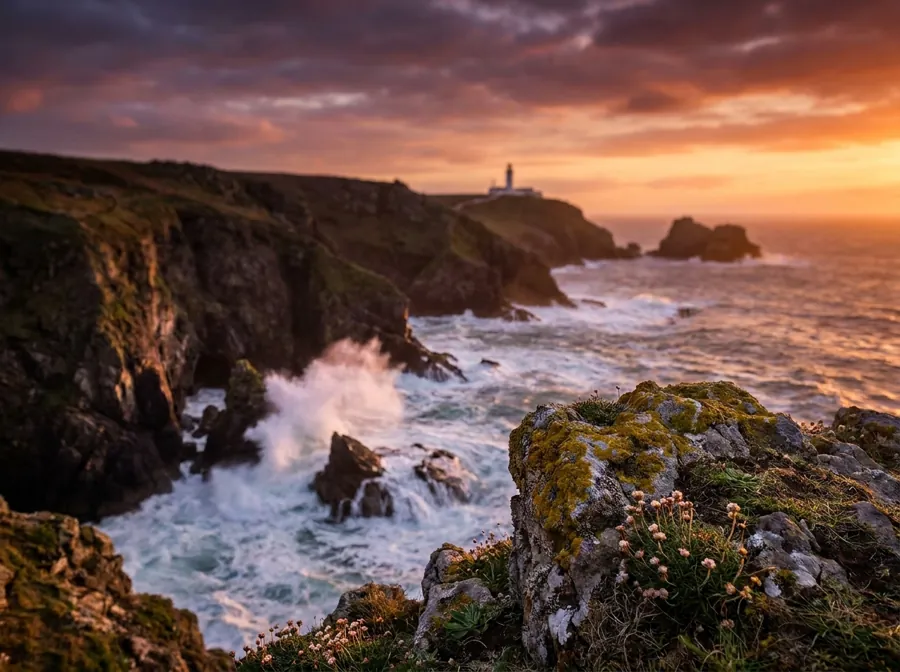
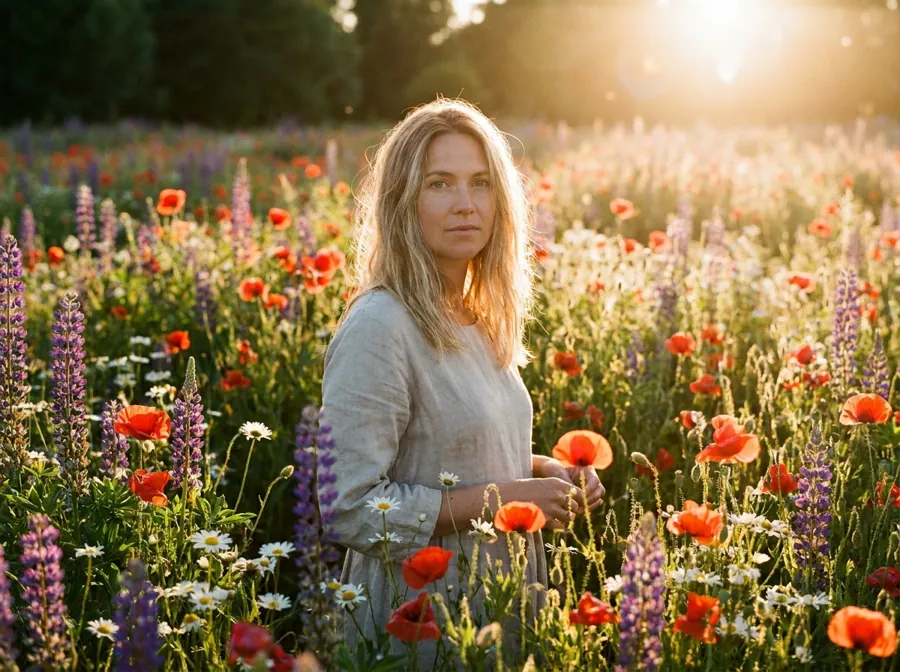






Frequently asked questions
Is a Me.Plus portfolio free for photographers?
Yes. Galleries, booking, your own domain and templates are on the free plan. Fees apply only to payments: 0% Me.Plus fee with your own Stripe account, or 5% per sale if Me.Plus collects for you in USD.
Can clients pay a deposit when they book a shoot?
Yes. The Appointment booking with payments block lets you ask for a deposit or the full price for each service. Clients choose a time, pay and get reminders before the shoot.
Can I sell presets or prints?
Yes. Use the Products and digital downloads block to sell presets as files, or list prints as products. Buyers pay on your page. With your own Stripe account the Me.Plus fee is 0%.
Should I use my own domain?
If you already own one, connect it, as it is free and HTTPS is automatic. If not, yourname.me.plus is short and works well on a card, a watermark or your Instagram bio.
Can I sell gift cards for sessions?
Yes. The Gift cards block lets people buy a session as a present. It is a simple way to fill your calendar in quieter months and around holidays. Put the block near your packages so buyers see what the card covers.
Will my photos look good on phones?
Pages are built to work on phones first, and galleries adapt to the screen. Keep the first images strong and few, since most visitors decide in the first screen or two.