What does a salon's page need?
A clear price list, a booking button and your hours. Clients find you on Instagram or Maps, check prices and book, often late at night. If booking takes a message and a reply, many give up.
Deposits and reminders cut no-shows, which matter most for long services such as color or extensions.
Which blocks should salons use?
A salon page usually includes:
- Services with prices for cuts, color, nails, brows and treatments
- Appointment booking with payments with deposits for long services
- Opening hours and a Contact card and vCard
- Images and galleries of your work
- Testimonials from regulars
- Gift cards for birthdays and holidays
- Loyalty cards so regulars earn a reward
What does a sample salon page look like?
Start from the salon template and fill it in like this:
- Your salon name, a photo of the space and your area.
- Your menu with Services with prices.
- Appointment booking with payments, with a deposit on longer services.
- A gallery of recent work and a few Testimonials.
- Gift cards and Loyalty cards.
- Opening hours, address and Contact card and vCard.
How do deposits and reminders work?
For each service you choose a deposit, the full price or no payment. Clients pay when they book and get reminders before the appointment.
Paid bookings through your own Stripe account carry a 0% Me.Plus fee. If Me.Plus collects for you in USD, it is 5% per sale. Gift card sales follow the same rules. See the booking page for more.
Can each stylist have their own card?
Yes. With company cards, each stylist gets a card at name.company.me.plus with their own photo, specialties and booking. Put a QR code at each station or on the mirror so clients rebook before they leave.
Link in bio, card or website: which do salons need?
One page can be all three. It is the link in your Instagram bio, the card each stylist hands out and the website people find when they search your salon name.
Small details make a big difference for salons:
- Show prices with a from price for services that vary
- Add a deposit to color, extensions and other long services
- Post recent work in the gallery every few weeks
- Keep Opening hours current on holidays
- Put a QR code by the till so clients rebook before leaving
- Sell Gift cards in the weeks before holidays
Templates to start from
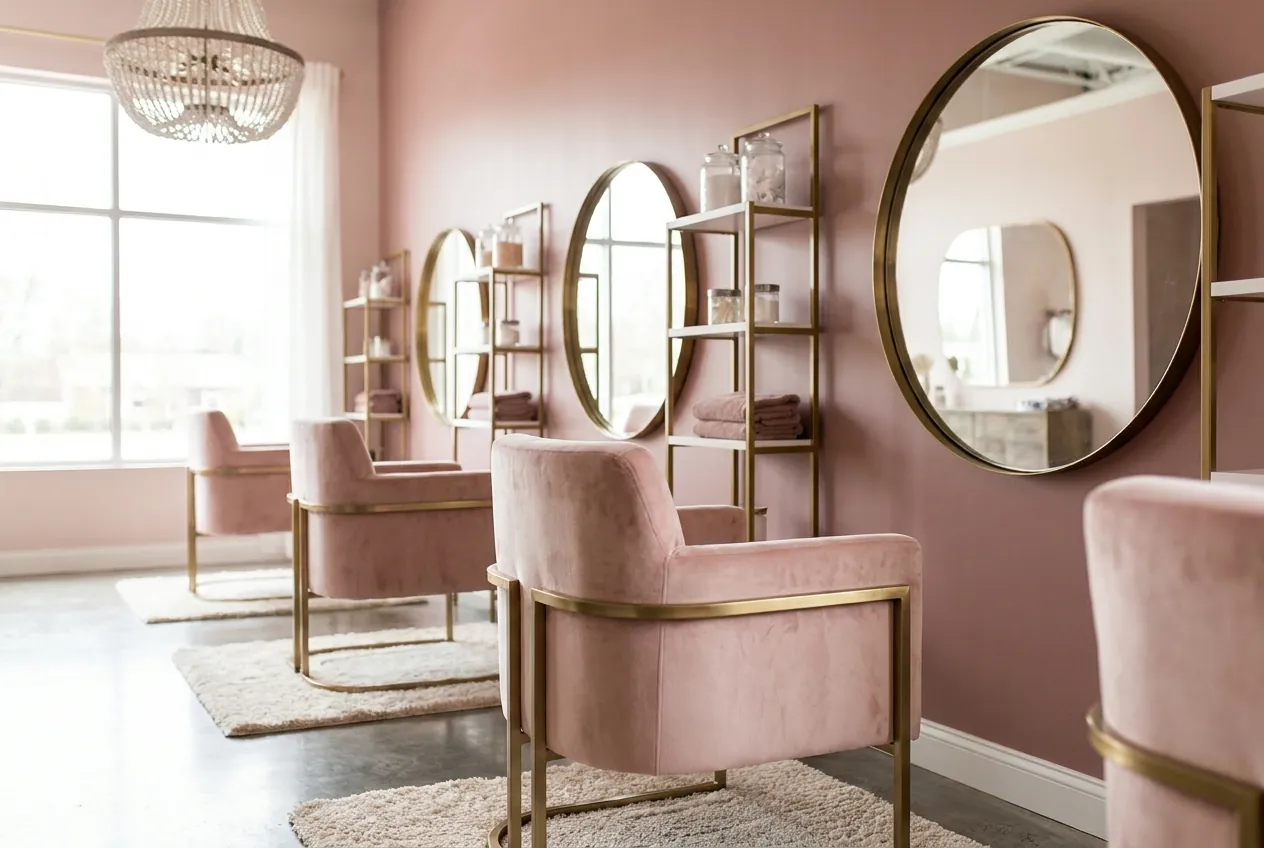


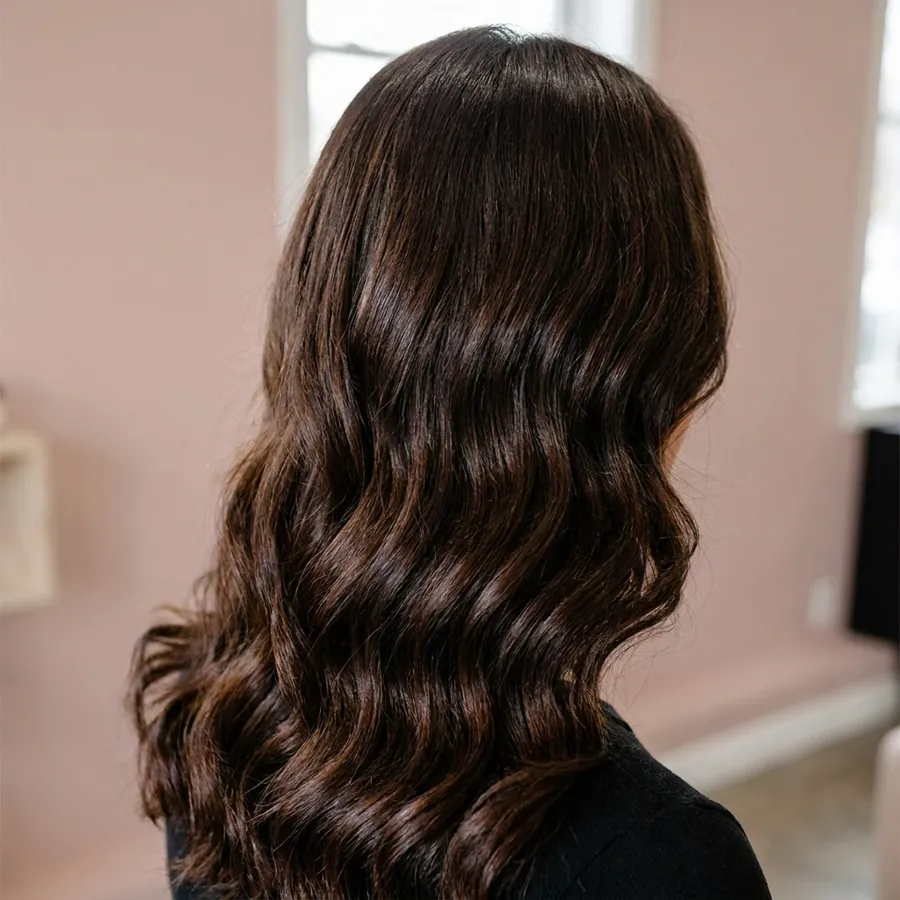
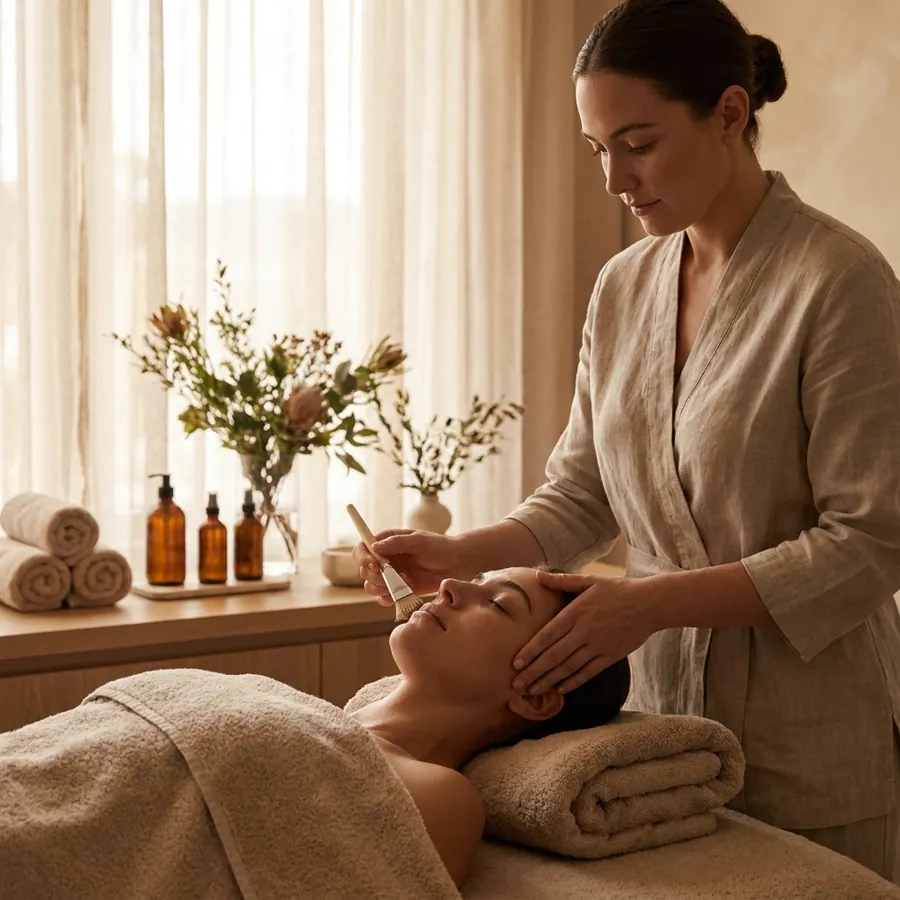





Frequently asked questions
Can clients book and pay a deposit online?
Yes. The Appointment booking with payments block lets clients pick a time and pay a deposit or the full price. They get reminders before the visit, which helps reduce no-shows.
Can I sell gift cards from my salon page?
Yes. Add the Gift cards block. With your own Stripe account the Me.Plus fee is 0%, and only Stripe's fees apply. If Me.Plus collects for you in USD, the fee is 5% per sale.
Do you have loyalty cards?
Yes. The Loyalty cards block lets regular clients collect visits toward a reward. It replaces paper stamp cards that get lost in wallets. Put the block next to booking so clients see their progress when they rebook.
Can I show my price list?
Yes. The Services with prices block lists each service with its price and, if you like, how long it takes. Put it right above the booking block so clients choose and book in one go.
Can I put a QR code at the front desk?
Yes. Download your page QR code as SVG, PNG or PDF and print it for the desk, mirrors or the window. Clients scan it to rebook, buy a gift card or leave a review.
Can each stylist take their own bookings?
Yes. With company cards, each stylist gets a card at name.company.me.plus with their own photo, services and booking. Clients can book the person they like, and the salon manages every card from one place.